ECOMMERCE AD STUDIO
Make product video ads
Upload a product photo, review two frames, and render an 8-second video.
Choose a shooting style
CAMERA AND LIGHTING PRESETSSTUDIO WALKTHROUGH
From product photo to video
See the studio with a sample product and storyboard frames.
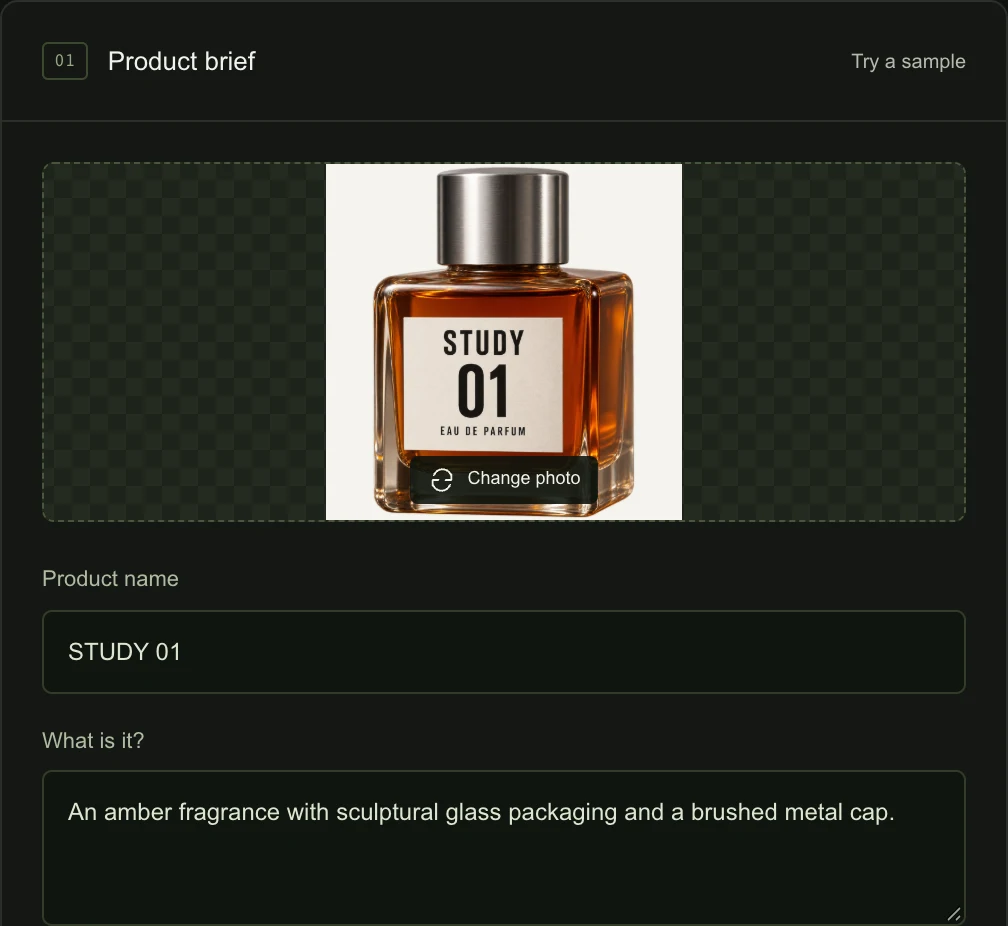
Add a product photo
Upload one photo and describe what you want to show.
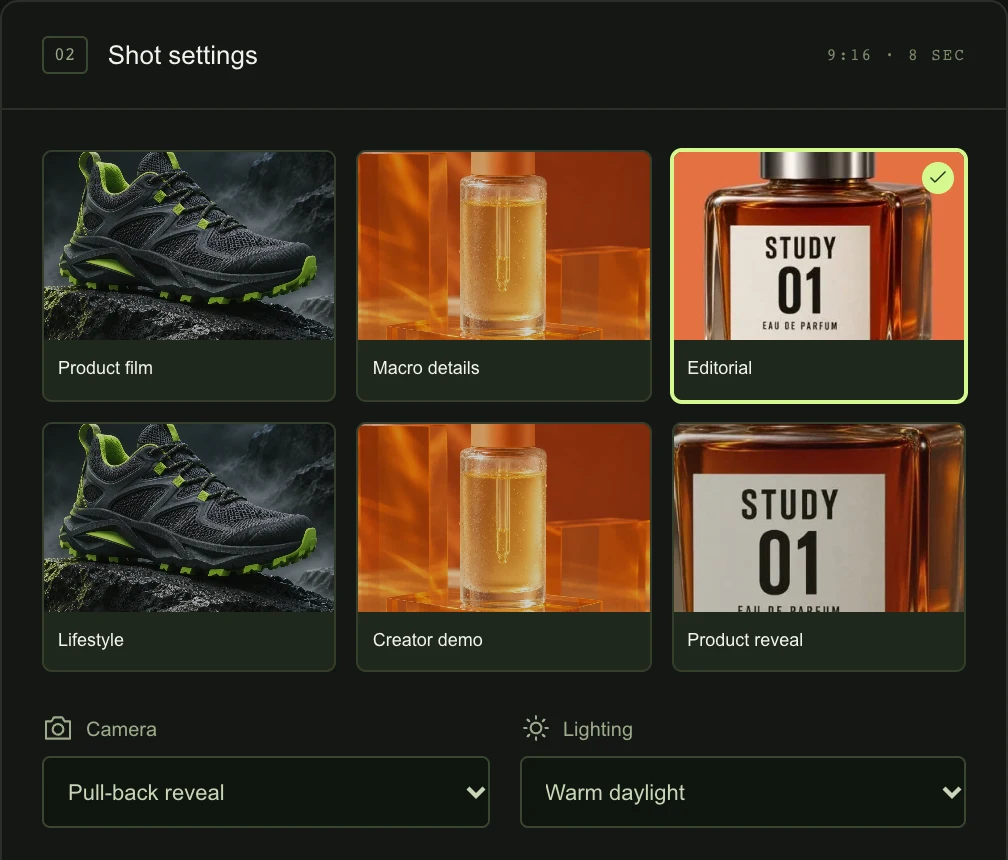
Set the shot
Choose a style, then adjust the camera movement and lighting.
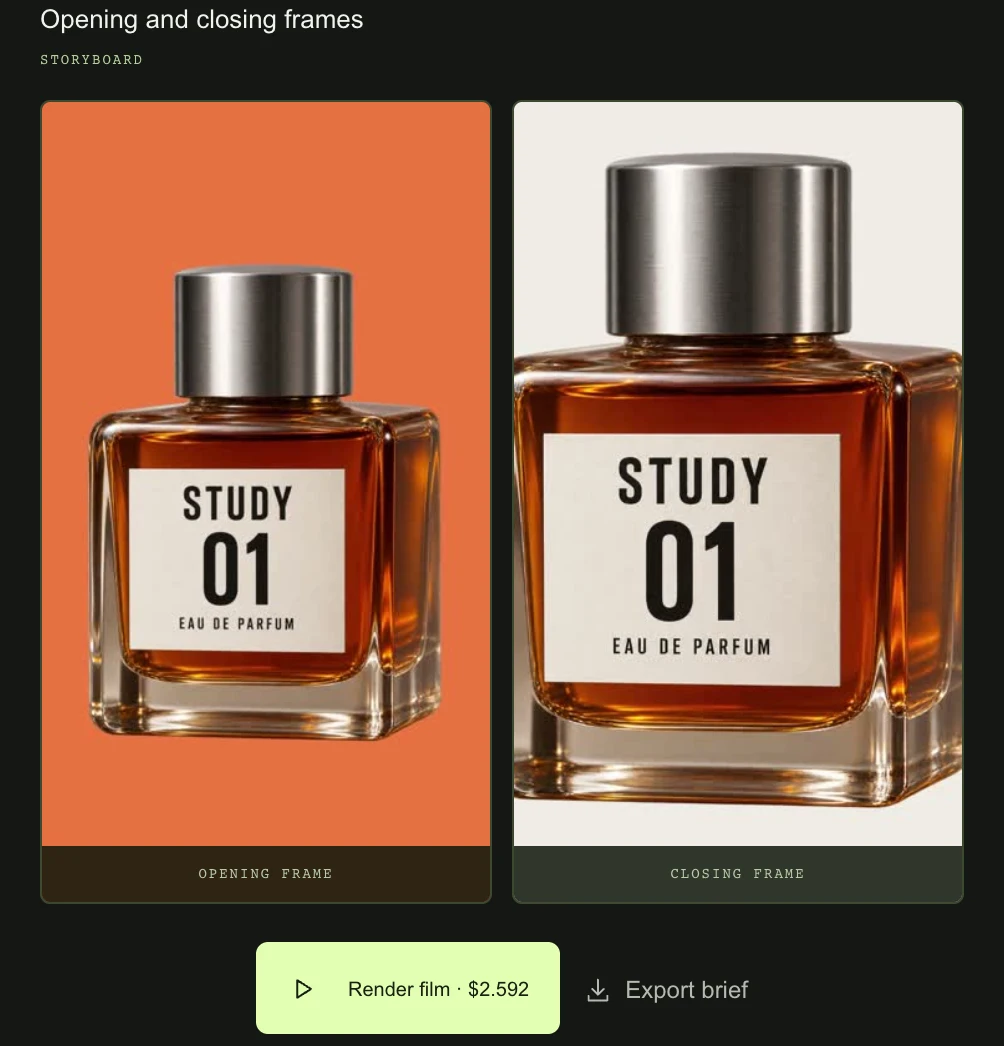
Review and render
Preview the opening and closing frames for free, then render an 8-second video.
$15 minimum spend
One-time credit top-up
62.5% less per clip
8s Seedance 2.0 at 720p vs. Runway Standard web, billed monthly
STILLS AND SHORT VIDEOS
Product ad examples


START A PROJECTStart with a
Start with a
product photo
Add a brief, choose the camera and lighting, and review your storyboard before you render.
For static ads, carousels, and motion templates, see the ad creative generator.