ECOMMERCE AD STUDIO
Ad creative generator
Use one product photo and brief to make static ads, a carousel, and a vertical motion ad with the same product and copy.
Open studio to create an ad packWhat’s in an ad pack
Made in usereel from the built-in STUDY 01 fragrance sample.
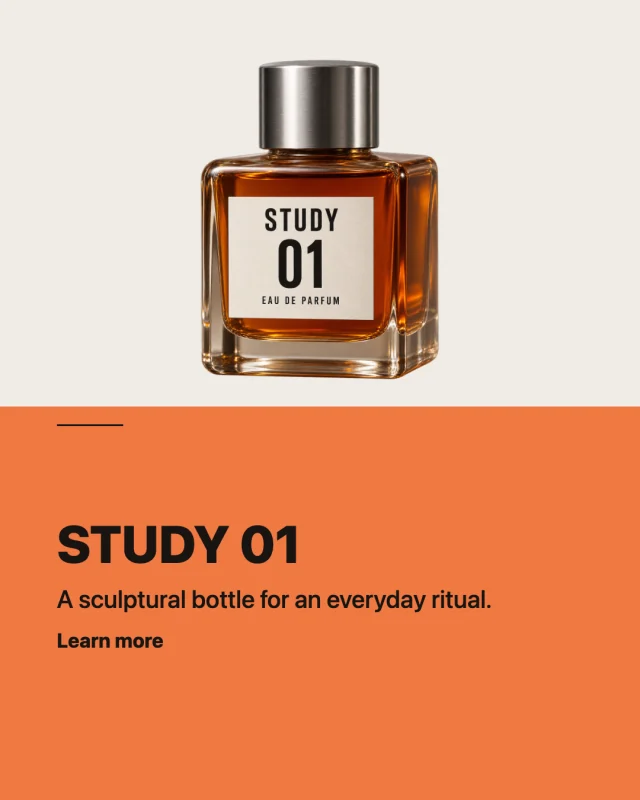
Static ads
Two layouts, each exported in feed and vertical sizes.
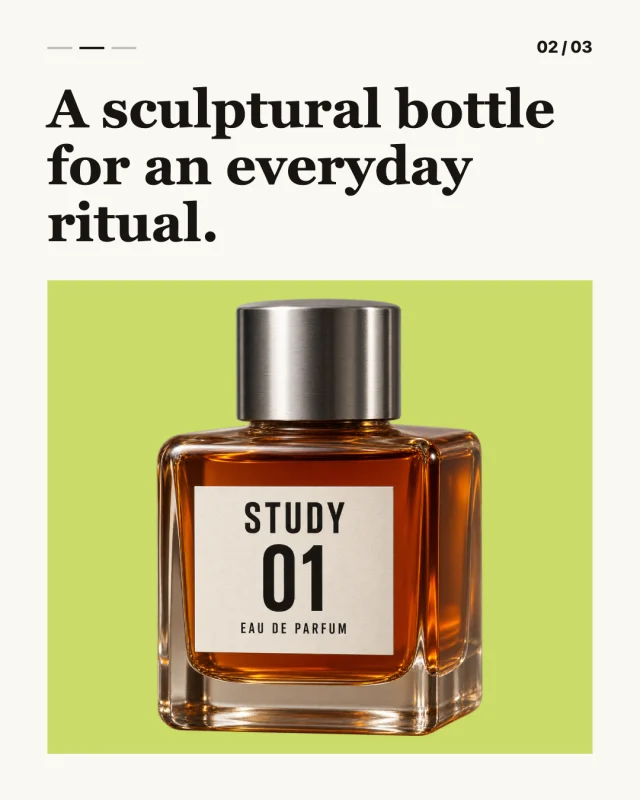
Carousel
Three cards take the viewer from product to detail to call to action.
Motion ad
A vertical MP4 on supported browsers, plus an editable HyperFrames project.
How to make an ad pack
Add a product photo
Enter the product name, a short description, and the detail you want to show.
Review the copy
Choose Create ad pack. Check the headline, product detail, and call to action before generating.
Download the files
Preview the assets and download them individually or together as a ZIP.
Ad packs use no render credits. Separate AI product video renders use prepaid credits.